

◎Overview #
To accelerate UV editing, PolyMate provides bulk pin/unpin and automatic unpin on merge.
Even with finalized textures when creating LOD, it automatically prepares a state that lets you quickly fix only what’s needed.
◎How to Use #
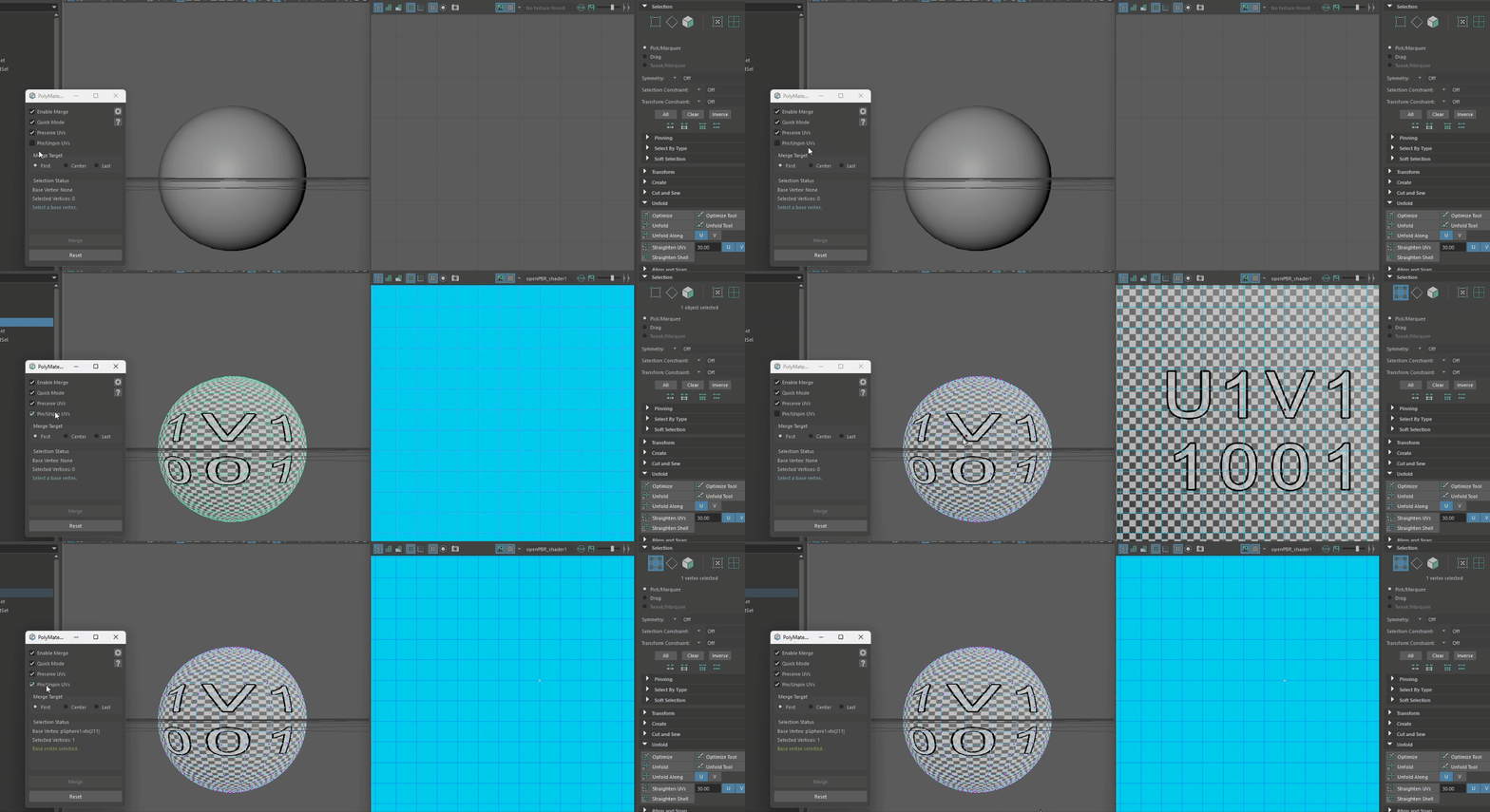
- Select an object, then toggle [Pin/Unpin UVs] ON/OFF to batch-toggle UV pins for the whole object.
- With ON, performing a merge (button or Quick Mode) will automatically unpin only the merged vertices’ UVs.
◎Notes #
- Since only the parts you touched remain unpinned (movable), finding and adjusting in the UV Editor is faster, greatly shortening the workflow.
- Ideal for reduction tasks such as LOD creation and game optimization.
(UVs in areas that do not need editing remain pinned.)