◎Overview #
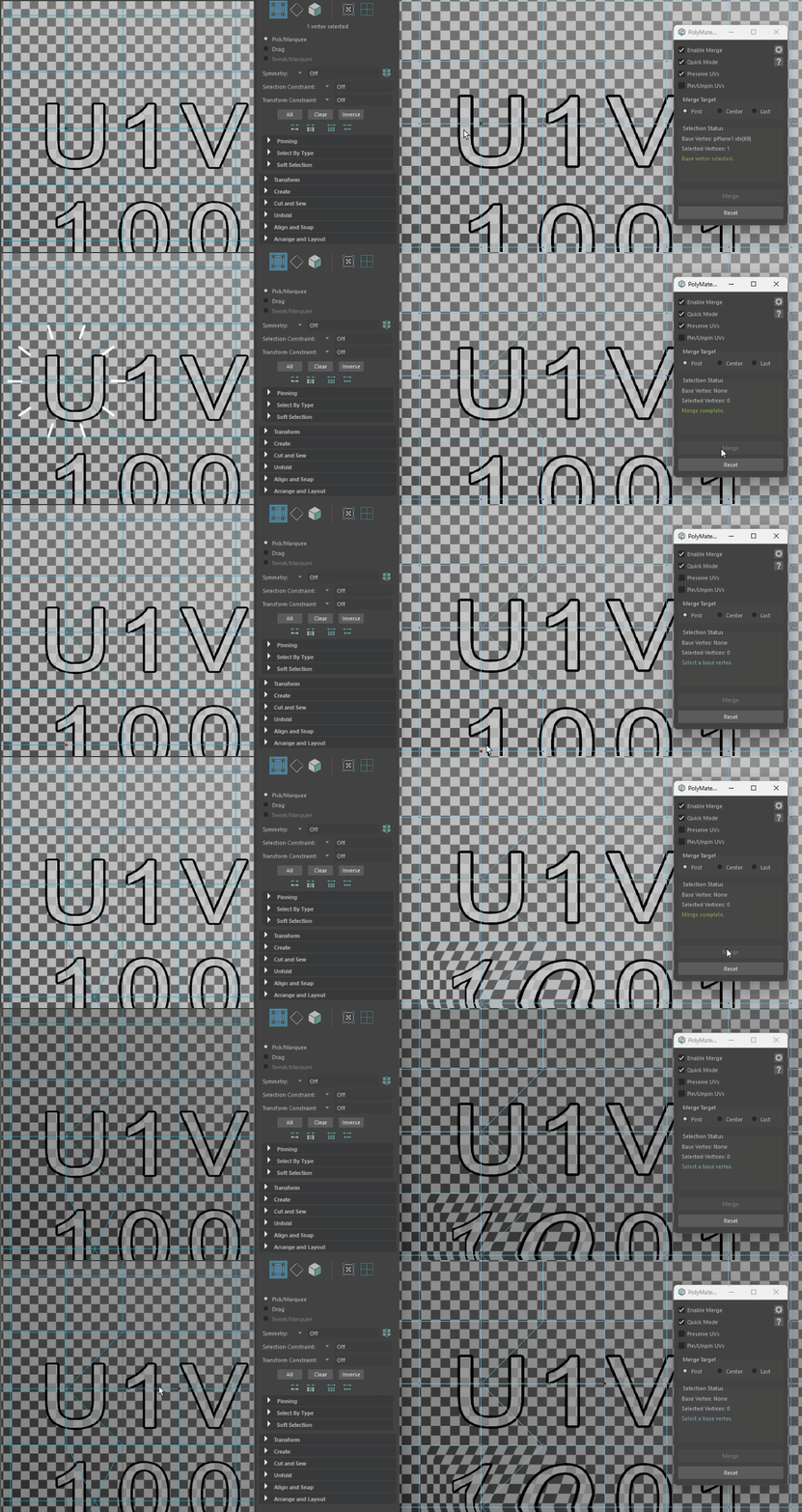
PolyMate provides uncompromising support for preserving UVs across production.
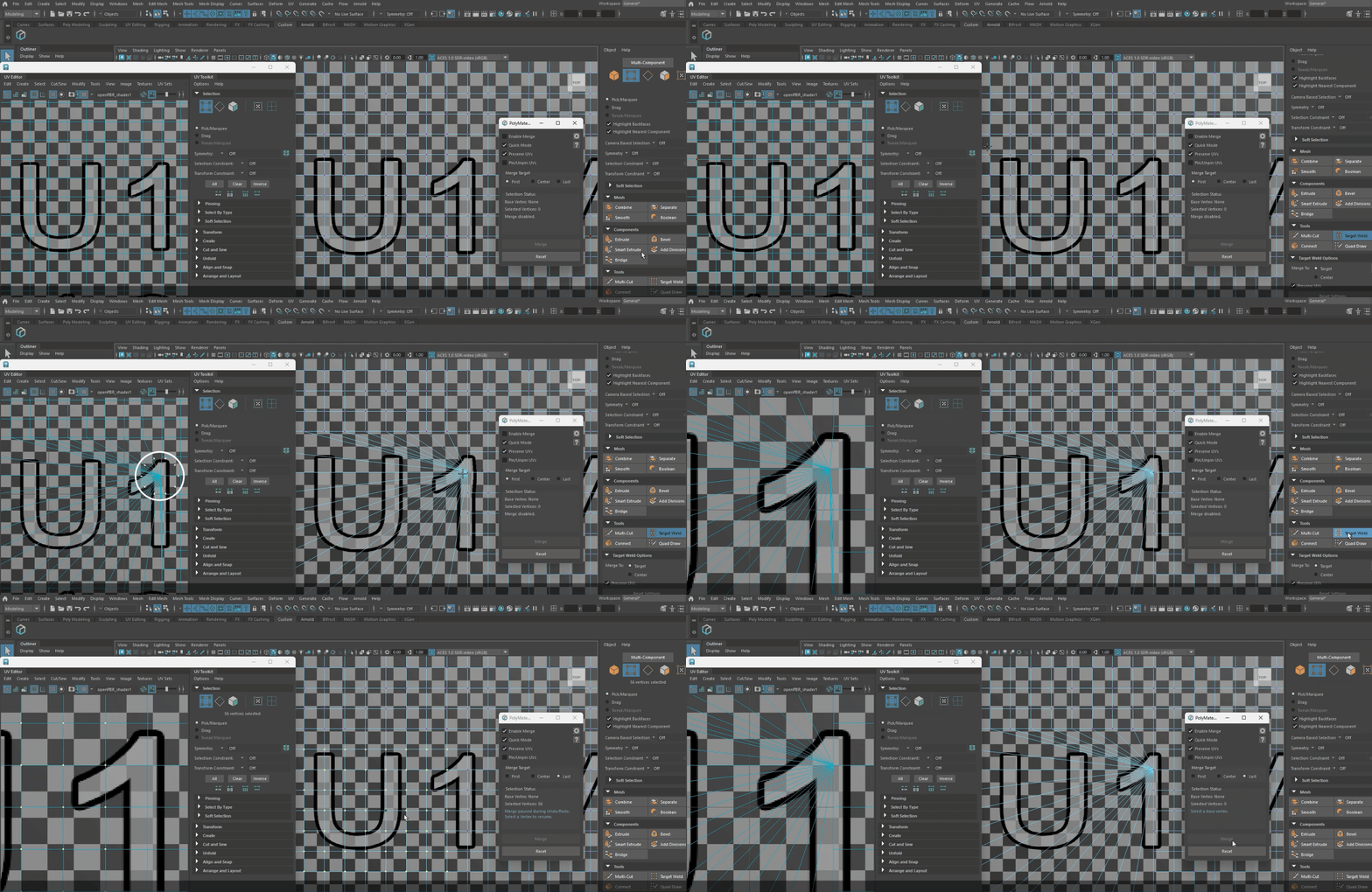
[Preserve UVs] to ON to merge safely without altering the texture appearance.
◎Comparison with Maya #
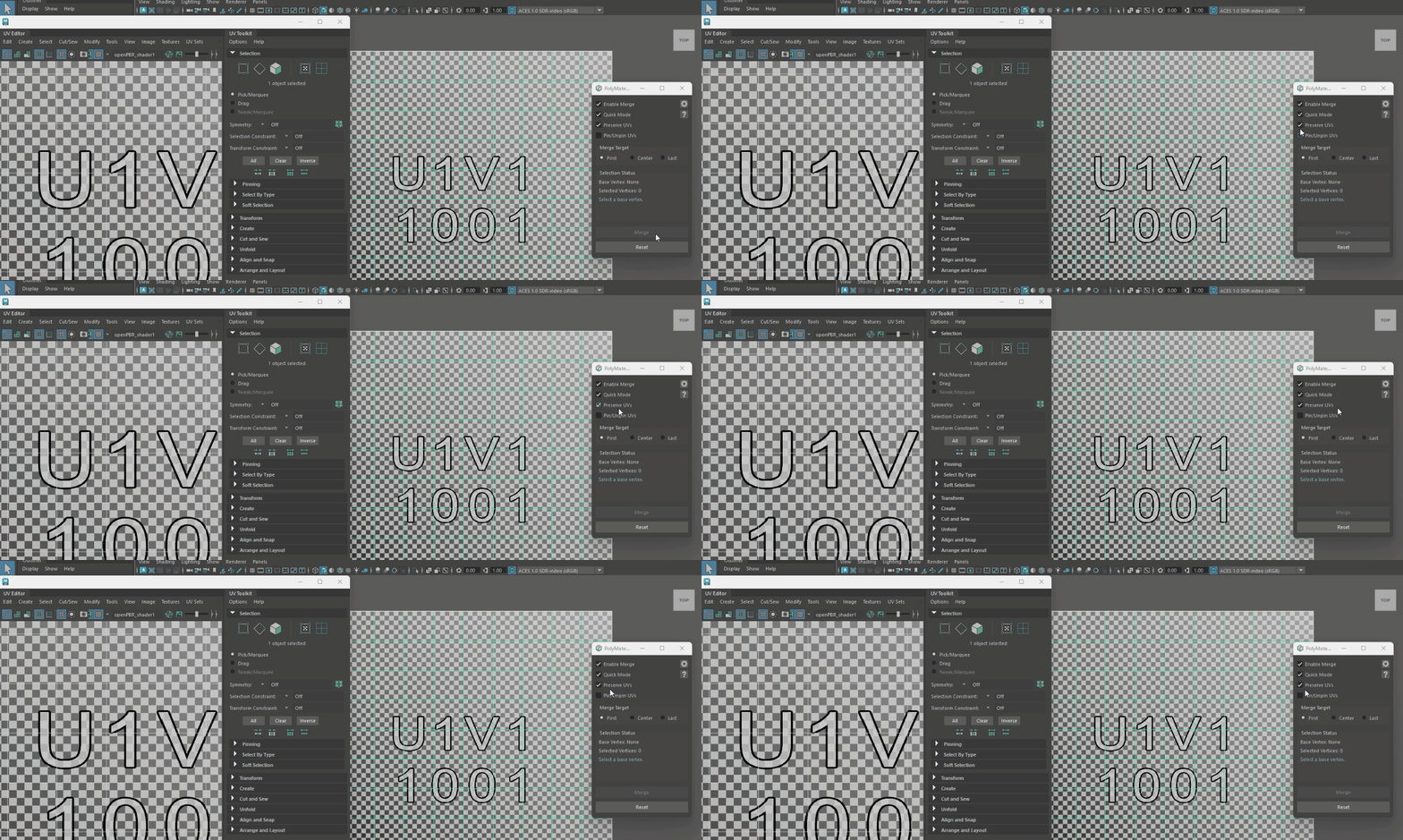
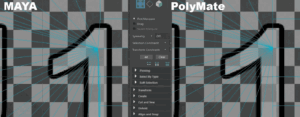
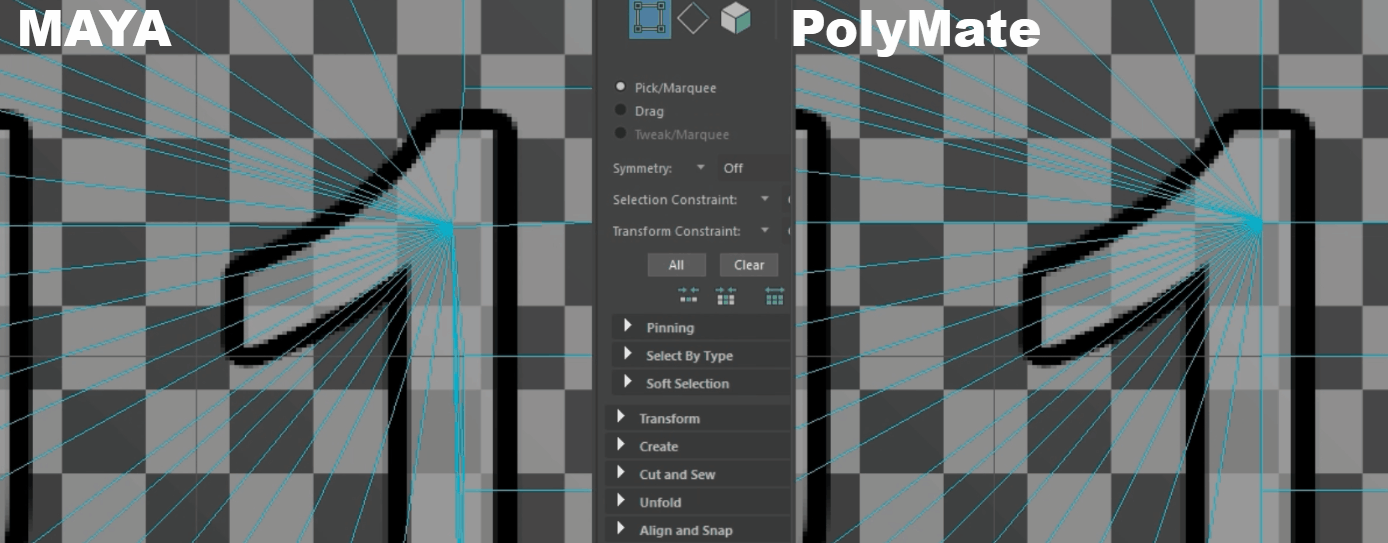
- Maya (Target Weld + Preserve UVs):
Rearranges UVs (automatic transformation) so the texture appearance changes as little as possible under shape deformation.
This is an approximation, not strict coordinate locking, so a slight drift during the automatic transformation process may occur.
Official documentation (citation):
https://help.autodesk.com/view/MAYAUL/2026/ENU/?guid=GUID-9922A396-77C0-4EEB-9A8A-B301720C5802
- PolyMate:
With seam detection and coordinate locking, non-seam cases do not produce drift.
When seams are involved, it switches to automatic transformation to prevent artifacts.
◎UV Policy #
UVs are assigned per face, so a single vertex on a seam may have multiple UVs (different shells/coordinates).
Merging vertices while locking coordinates can be ambiguous over which coordinate to adopt and may cause stretching, folding, or tearing (spikes).
For LOD and other cases that require minimal drift, fixed preservation of UV coordinates is needed.
Therefore, PolyMate adopts the policy Non-seam = preserve by copying coordinates and Seam-involved = re-arrange via automatic transformation (conforms to Maya’s Preserve UVs).
◎Behavior #
- Merging seam-involved vertices: avoid artifacts via automatic transformation that follows shape deformation (consistent with Maya).
- Merging only non-seam vertices: preserve UVs by coordinate-based locking. No drift occurs.
◎How to Use #
- Set [Preserve UVs] to ON and merge with First / Center / Last to preserve post-merge UV coordinates.
When OFF, processing is faster with no UV coupling (averaging). - Also effective with Quick Mode.