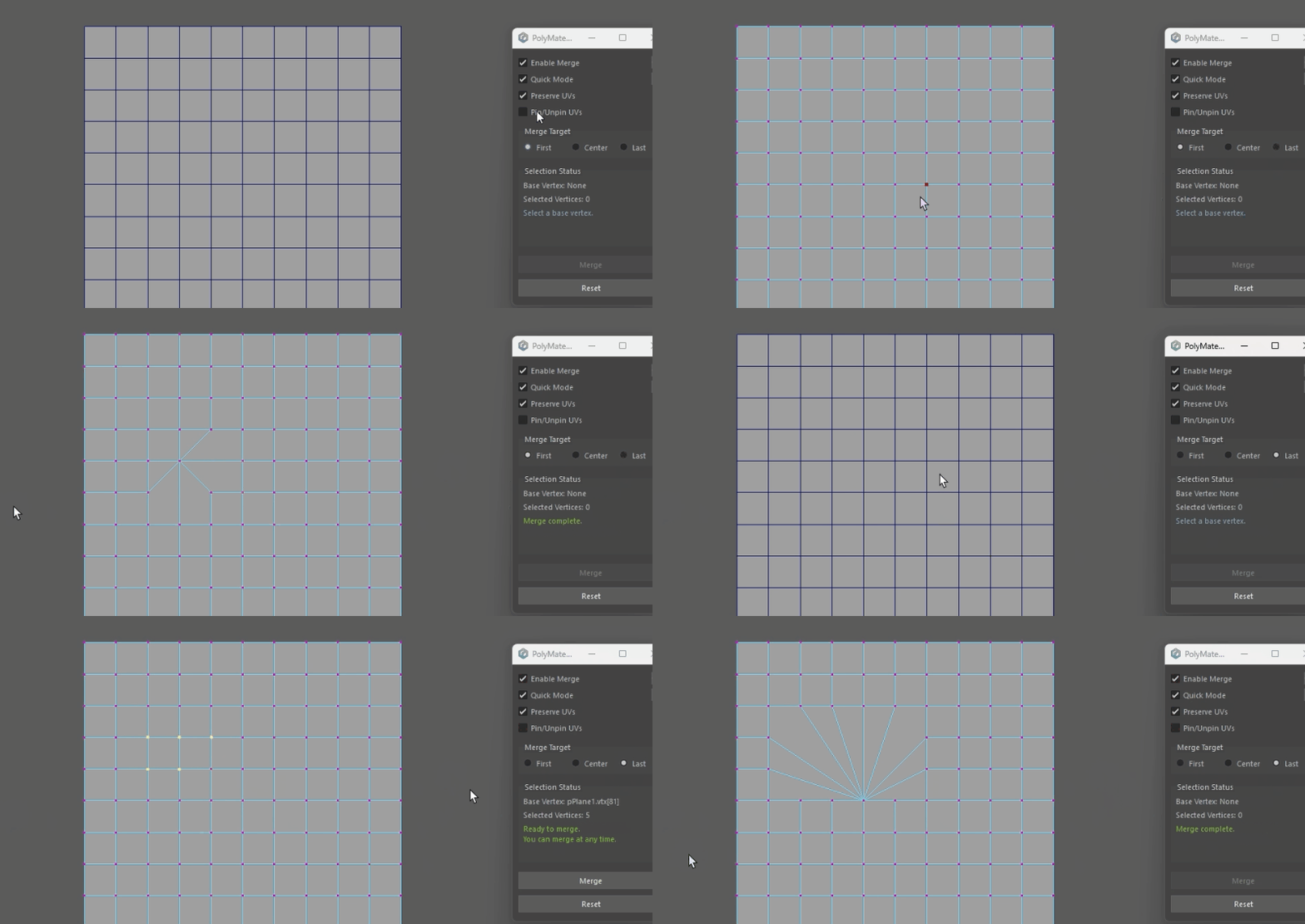
◎概要 #
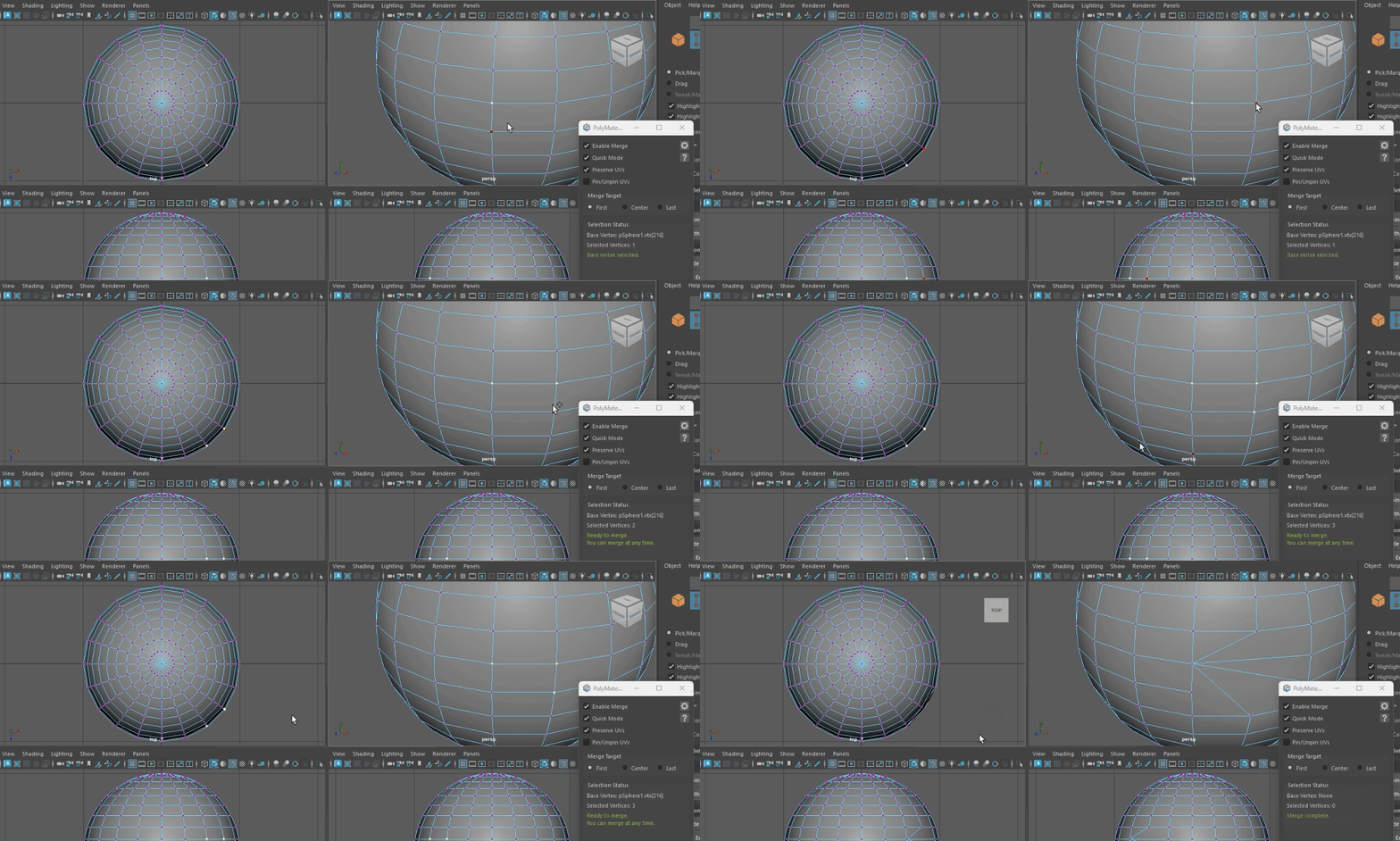
Turning Quick Mode ON lets you merge by just clicking in the viewport.
No extra UI steps. The workflow is significantly shorter.
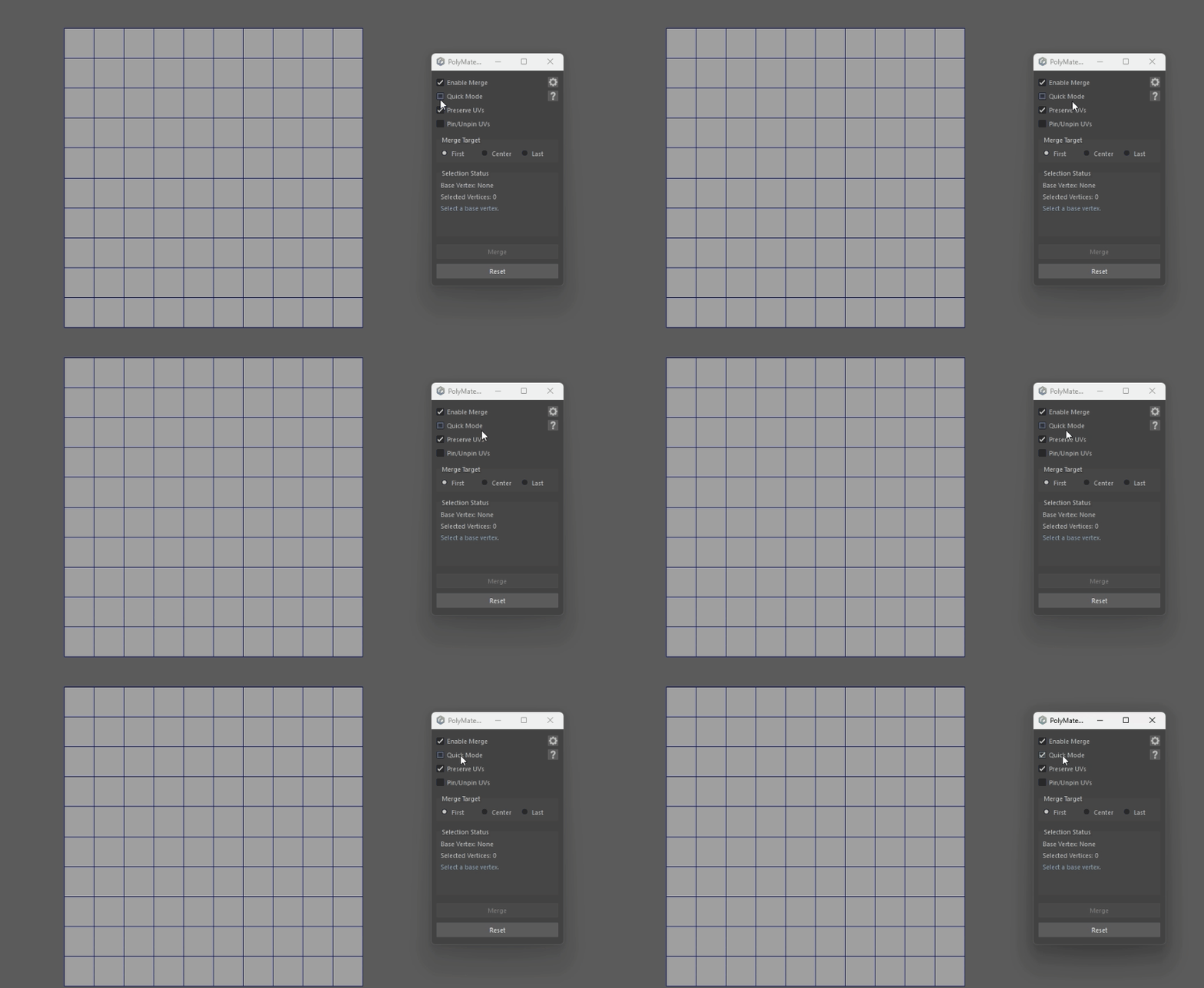
◎How to Use #
- Set [Quick Mode] to ON, then select vertices in any mode.
- Then click in the viewport.
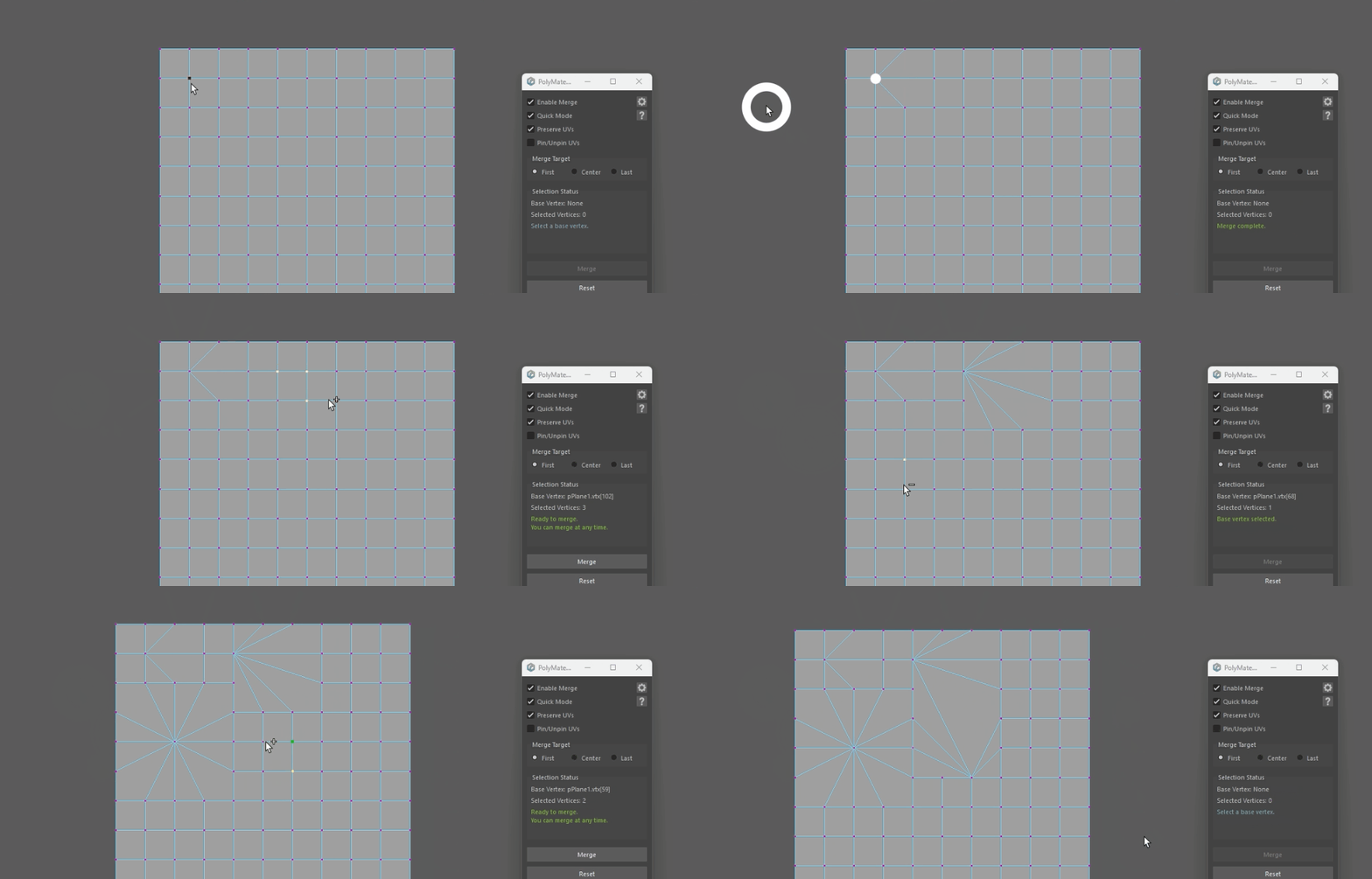
◎Notes #
Only clicks inside the viewport are recognized.
Clicks in other UI areas do not trigger a merge.
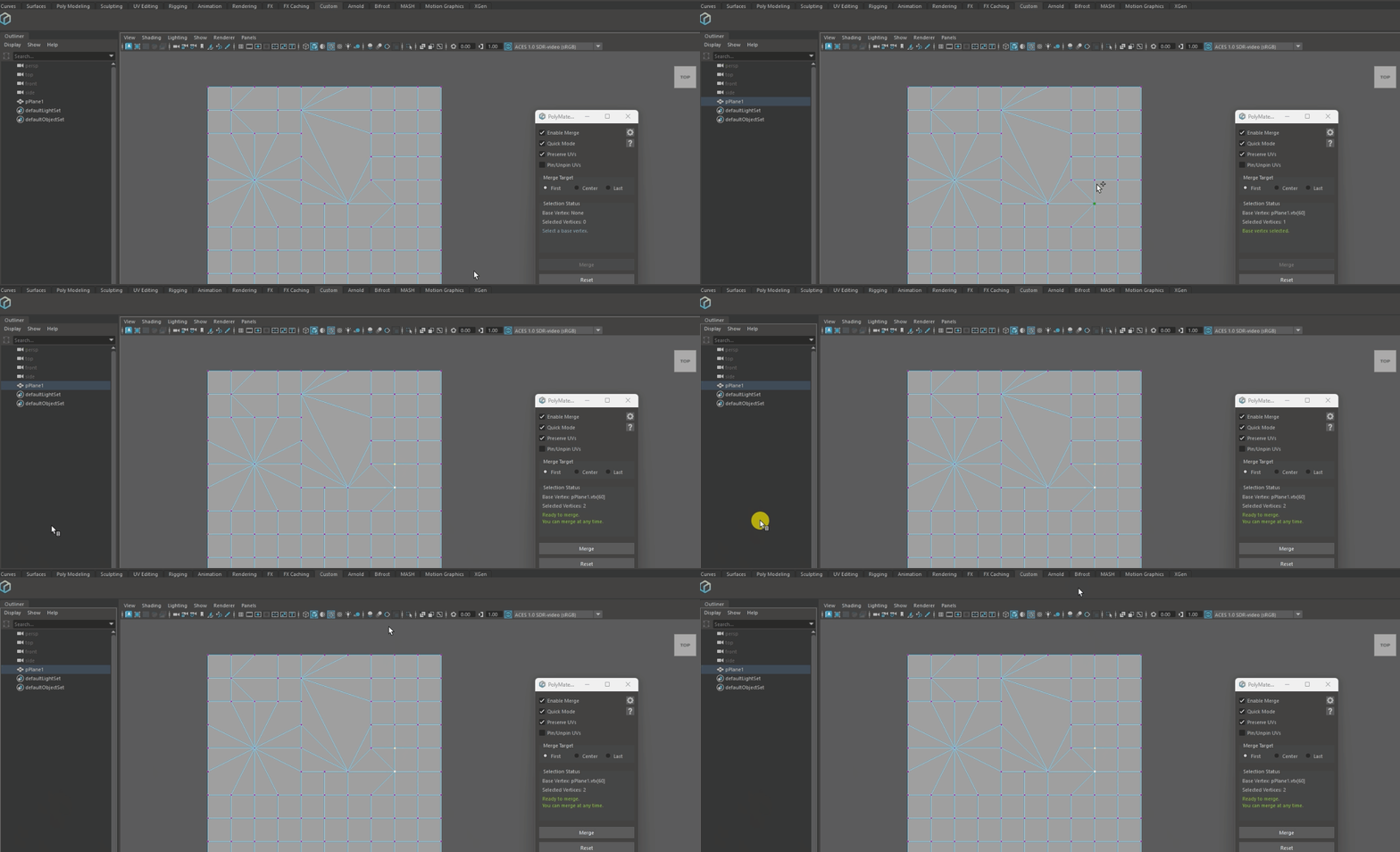
Works in single view / quad / custom layouts.
Executable from any view panel.
◎Recommended Method #
- Choose either First / Last as the merge mode.
- Perform the basic operation with
[Selection Mode + Quick Merge], andonly when you want to merge to the center coordinate, trigger Center Merge from the marking menu.